
I like to start out by teaching the kids something about filmmaking, and stop motion animation in particular. I made a presentation for them which incorporated some things I learned from the book Brick Flicks by Sarah Herman.

Prep
I found some LEGO shorts online that I showed the kids:
1) Creepers Part 1 (creator used clear LEGO bricks to make it look like the animals are bobbing up and down when they walk)
2) LEGO Hulk Shopping Fail (creator moves Hulk's head up and down to show laughter)
3) Ship in a Bottle (shows anticipation and anti-gravity techniques)
4) The Magic Portal (a film from 1989 which used a very wide variety of different camera angles and shots)
5) The Escape (made here at Pasadena Library in a teen program--the creator used a few different cool methods to show someone jumping high or swimming, which we talked about)
I also made a few stop-motion movies of my own to get a feel for doing this with the app that we have on our library iPads, Stop Motion Studio and Stop Motion Studio Pro:
-
Rude -- Made this short at home using Stop Motion Studio
-
Game Over, Hulk -- Made this short at home using Stop Motion Studio Pro. Other than sound effects, there are no voices or sound recordings in this video. I did that on purpose so that I could show everyone how to record their voice during class.
-
A demo of animating flight (this can only be done in Stop Motion Studio Pro app with the Erase function)
I created a Storyboard sheet:

And this slideshow presentation:
On Program Day
I had a book display of LEGO books, and set out our LEGOs, which the library had purchased with a grant. I had the room set up with tables and chairs. I brought over a lot of book stands, the kinds we use for displaying books, because they're perfect for holding an iPad steady!
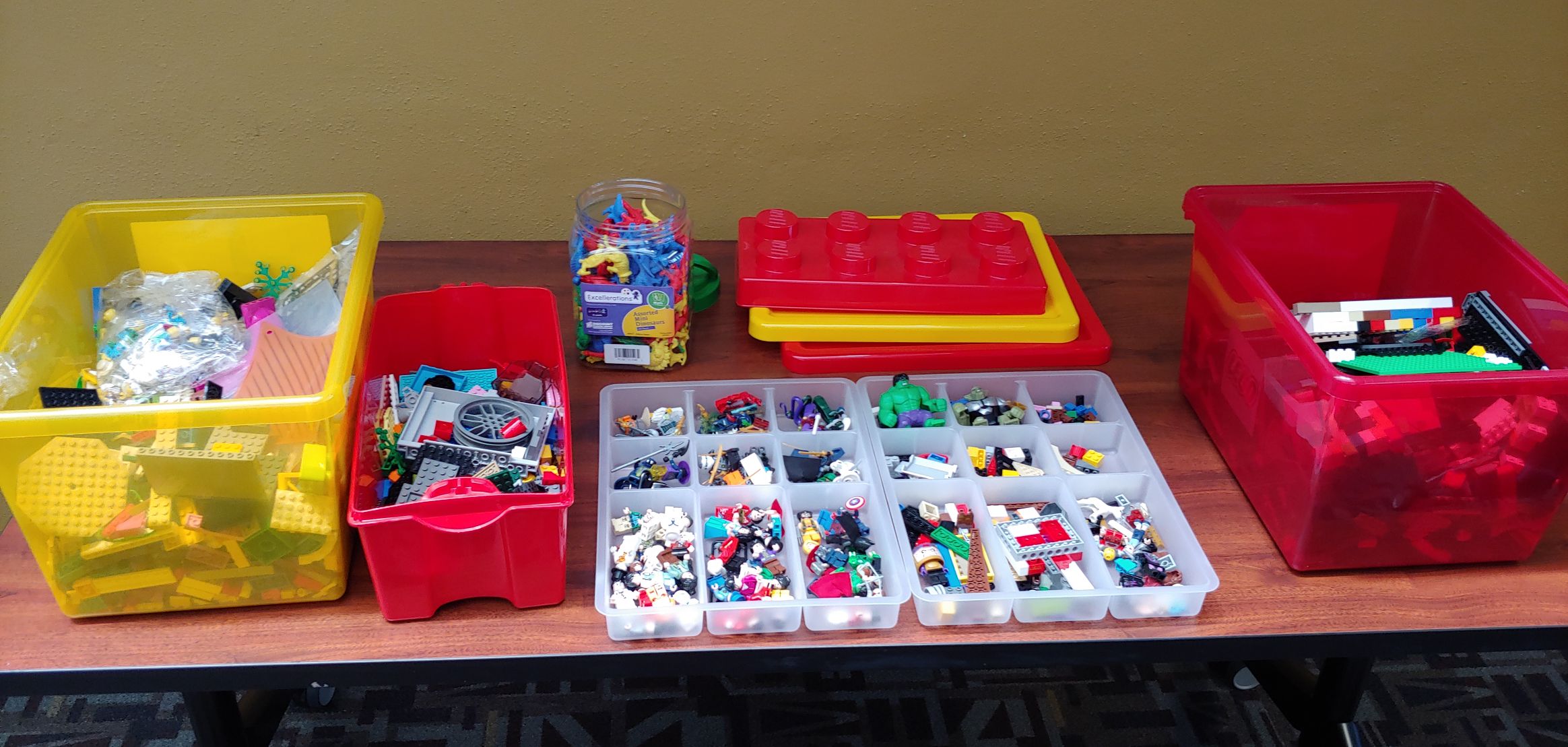
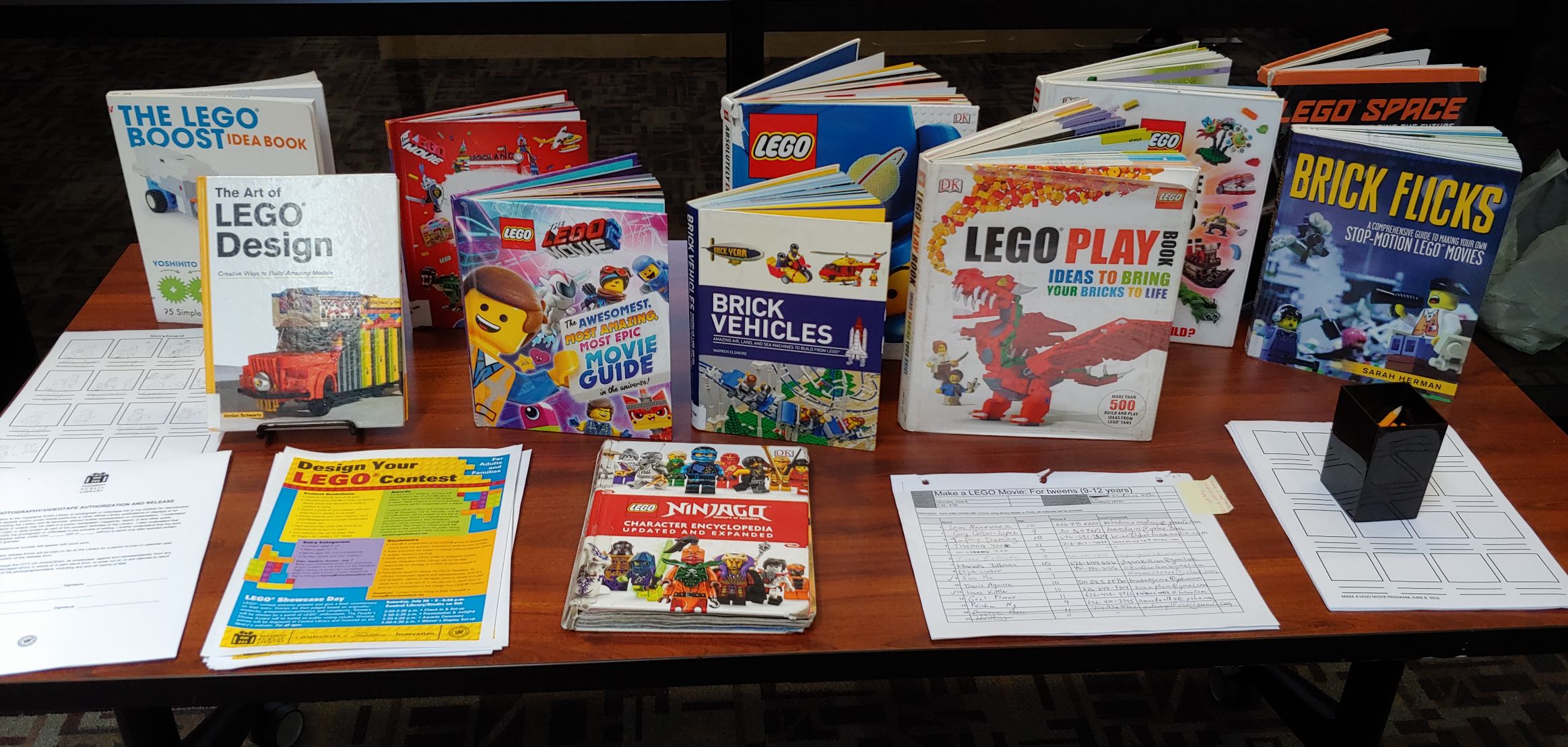
Since some kids arrived early, they got to watch ten minutes of The Magic Portal by Lindsay Fleay. They sat in front of the TV screens first. Then they got to line up by the LEGOs and select just two minifigures, and go to the tables to work on their storyboards. This gave everyone a chance to get a superhero minifigure they liked without any one kid hogging all the superheroes, for example. But with the younger group, choosing minifigures took a little too long. I think next time I need to wrap two lines around the table, like at a salad bar, to keep things moving.
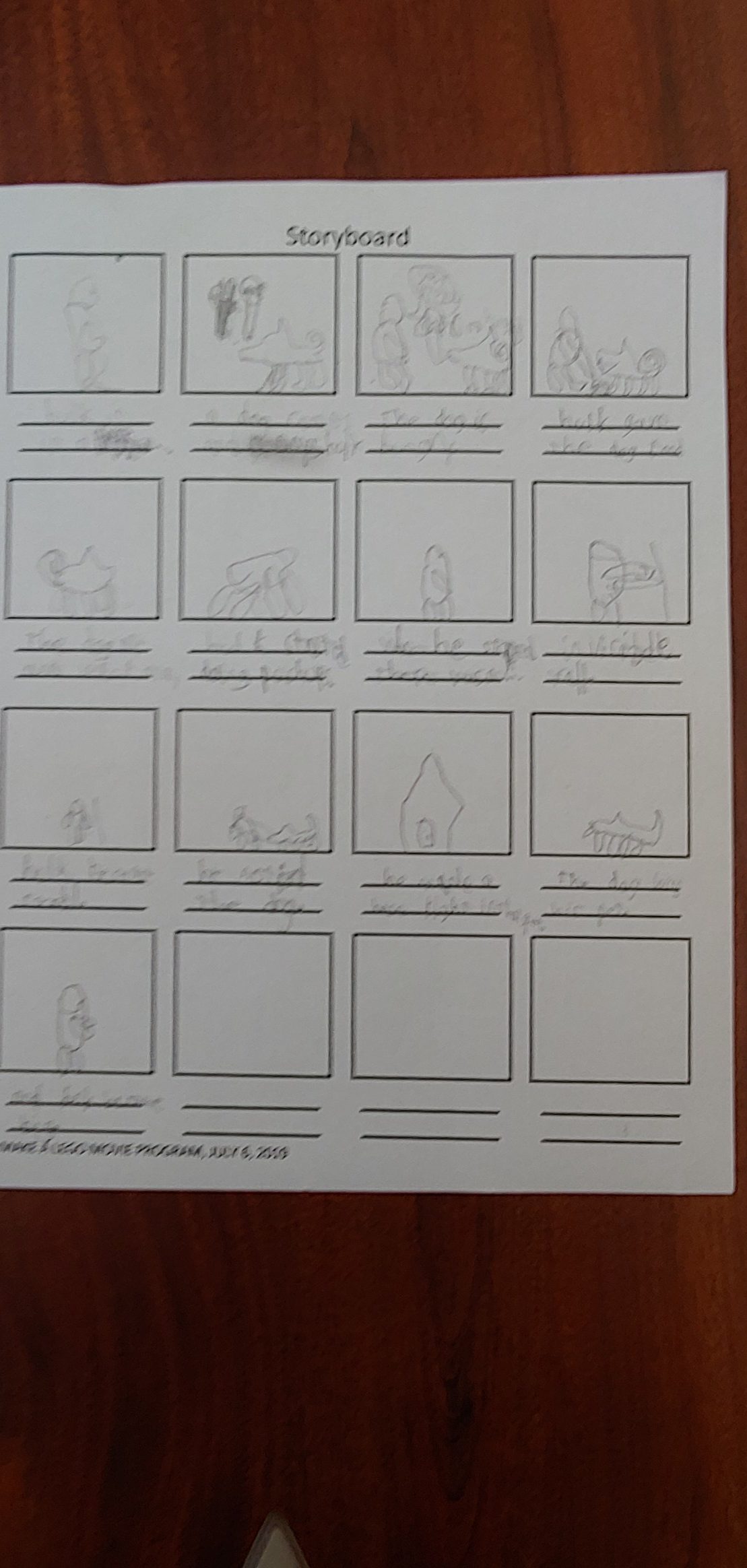
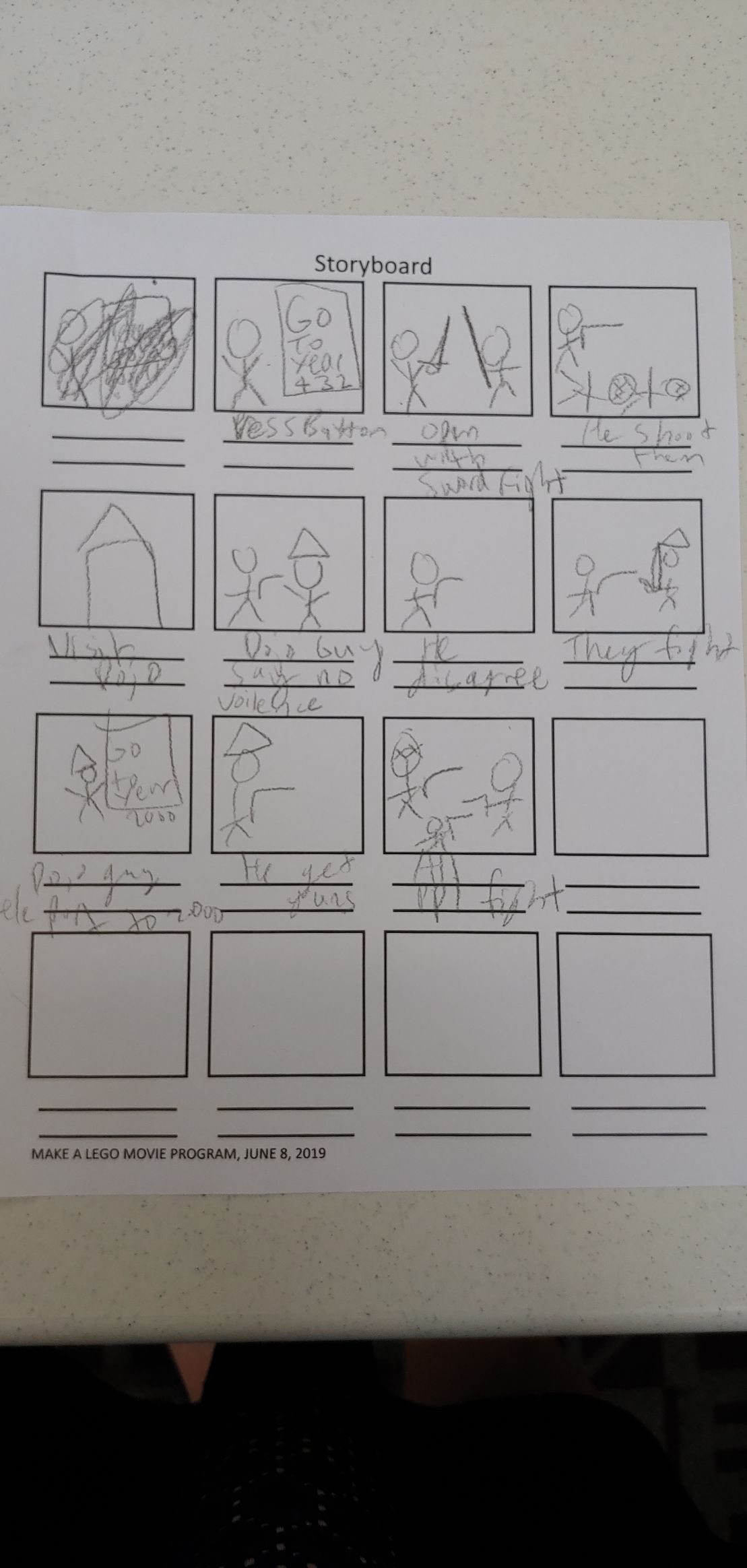
The kids did very good storyboards, and I think the act of writing down some ideas and drawing stick-men pictures helped them to get their creative juices flowing. Some were very short, others had a lot of dialogue or notes in their storyboards.
Lights, Camera, Action!
After about 15 minutes working on storyboards, kids were allowed to start filming. Note: It's important to have not only lots of minifigures, but also lots of flat LEGO platforms! I simply can't overstate how quickly these platforms go! If you're going to do a LEGO program of some kind, make sure you have a ton of them.
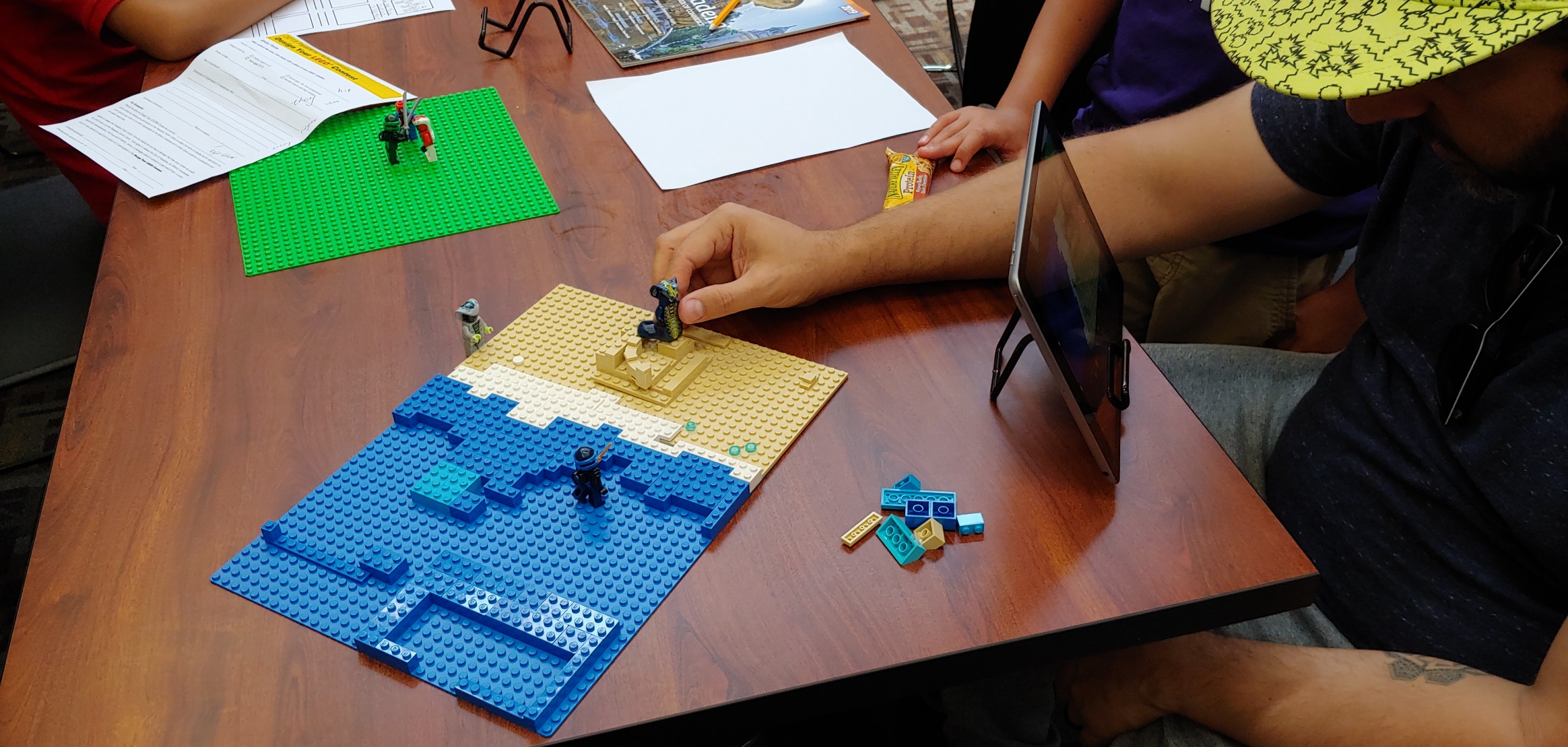
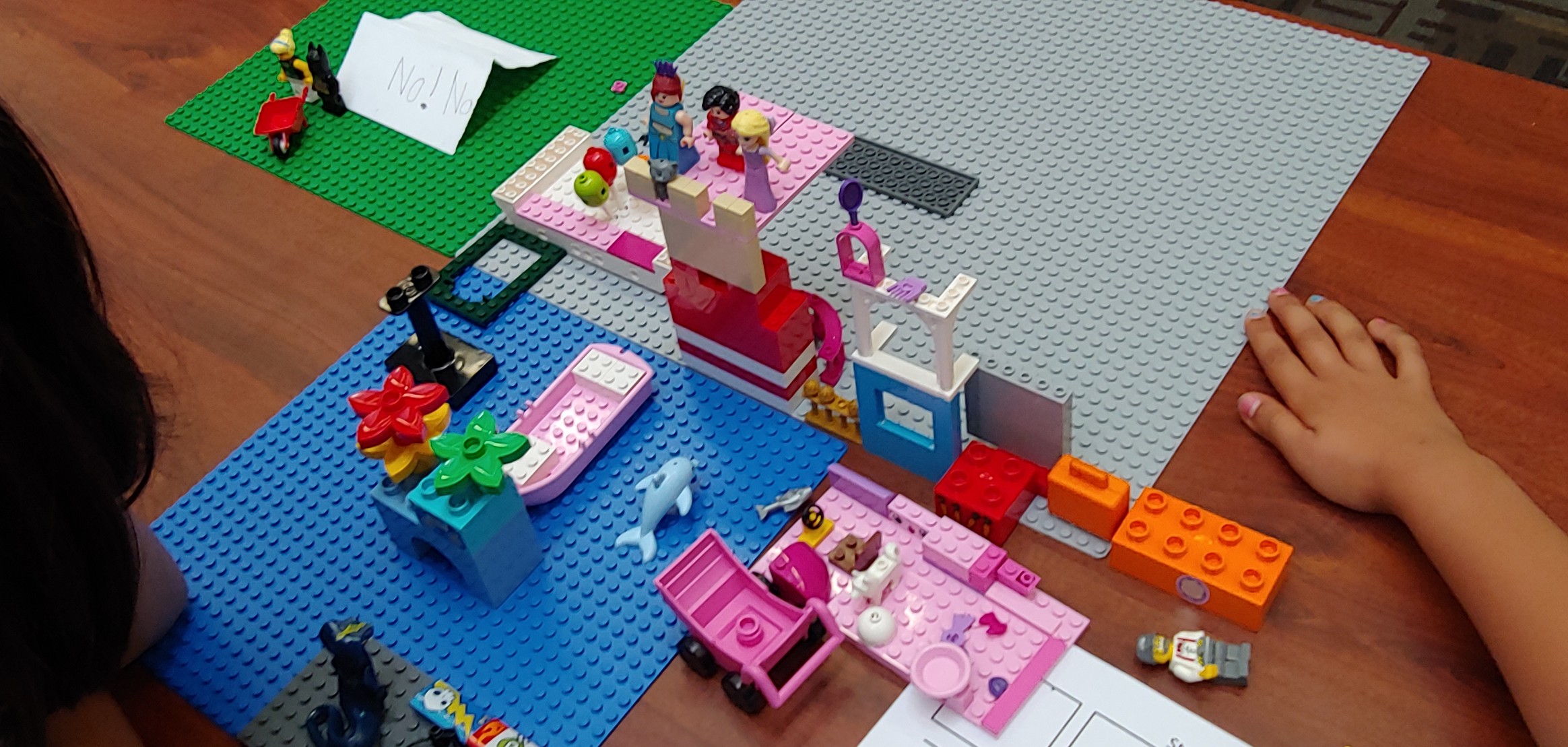


Their finished LEGO Movies
We showed each child's LEGO movie to applause from parents and kids! It took a while to download the videos from each iPad and upload them to YouTube. I've now uploaded all the videos from the iPads to YouTube. You can watch them on the Pasadena Public Library YouTube channel: https://www.youtube.com/user/pasadenalibrary, and on our blog at: http://pasadena-library.net/kids/2019/its-showtime-lego-movies-made-by-younger-kids/, and http://pasadena-library.net/kids/2019/its-showtime-stop-motion-lego-movies-made-by-tweens/.For some videos, I slowed the speed a little bit so that the viewer can see what's going on or read the words a bit easier, though I was hesitant to make any big changes to anyone's film.
I was so proud of what these kids did! Many made an effort to incorporate the ideas I shared in the Powerpoint. They got really creative with the whole project. Some of them also created little speech bubbles with paper, or recorded their voices. Some of them used audio sound effects from the app to great effect. A lot of kids and parents got creative with letting us view the LEGOs at different angles. And their storytelling was so cool! I was glad to see that they grasped what you can and can't do in a ten-second short, and most of them were able to present a short story with basically a beginning, middle and end.
I got a few videos sent to me by parents after their child had a chance to work on it some more, and some children went home and created all new videos! It's always nice to see that they not only enjoyed themselves while they were at the library, but they also brought that skill home and applied it again to have fun learning and creating!


